The moment
that just passed.
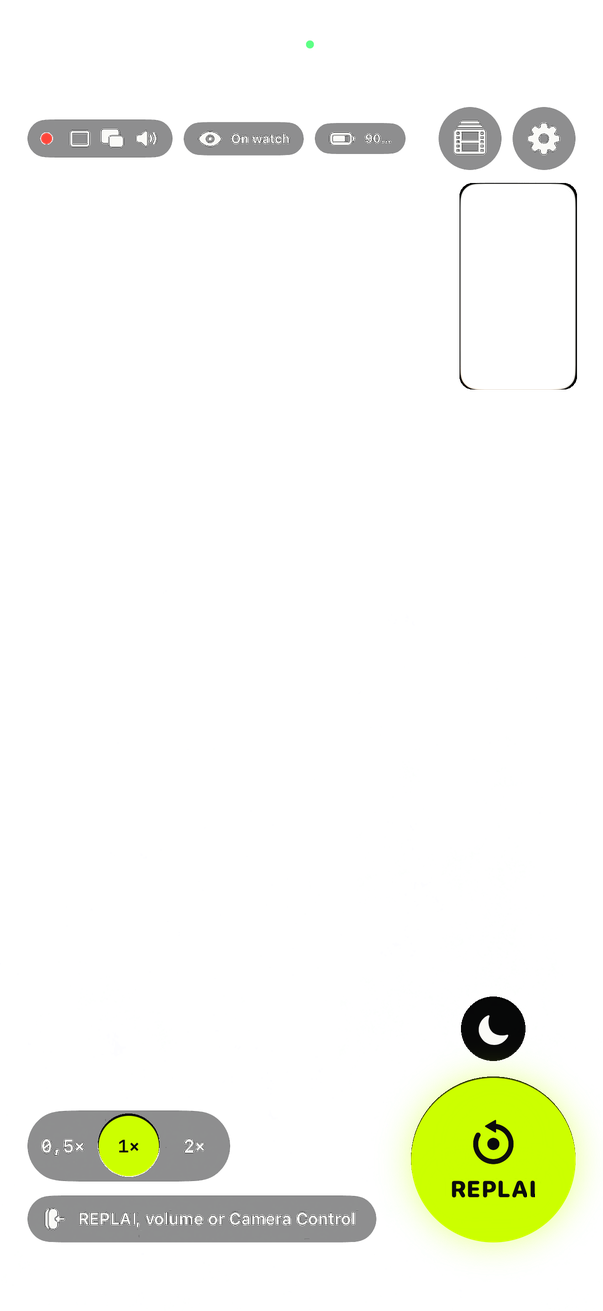
You are watching, and the best moment comes without warning. replai.tv films the whole time and keeps nothing. When it happens, press REPLAY and the last seconds become a video. No hours of footage, no full phone.
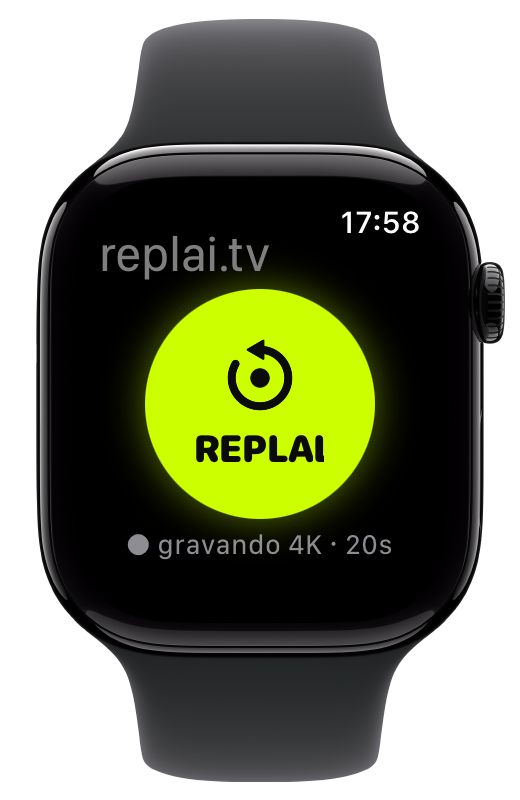
Coming soon to iPhone and Apple Watch
Moments you would have missed
You just watch. When it happens, ask for the replay and it is already saved.
Illustrative videos, generated with AI.
Record everything. Keep only what mattered.
And after the replay
- Front and back at once
- On iPhones that support it, the front camera is recorded too and lands in a frame you can drag to any corner afterwards.
- Slow motion, frame by frame
- Watch the play slowed down and step through it one frame at a time.
- Out of the app in one tap
- Save to Photos or open Instagram with the video already loaded.
Reverse mode: the best moment, highlighted
The app suggests the highlight of the replay. There the video plays in slow motion, rewinds quickly, then carries on at normal speed to the end: you see the play twice. Prefer another moment? Just move it.
In Premium, for replays recorded at 60 fps or more. At 120 and 240 fps it looks even better.
replai.tv Premium
US$ 2.99 per month
The app is free, with replays in 1080p at up to 60 fps. Premium adds:
- 4K recording
- 120 and 240 fps
- Any frame saved as a photo
- Replays without the watermark
- Reverse mode
Billed by Apple as a monthly subscription. The price may vary by country.
Before you ask
- Do I have to press before the play?
- No. That is the whole idea: you press after. The app keeps the last seconds in memory all the time, so when you ask, the play is already there.
- What if I take too long to ask?
- You choose how far back the replay goes, from 10 to 60 seconds. If the play fits in that window, it is saved.
- Where do my videos go?
- Nowhere. They stay on your iPhone until you save them to Photos or share them. There is no account and no server.
The moment that just passed.
Coming soon to iPhone and Apple Watch